How to Draw Patterns in Scratch
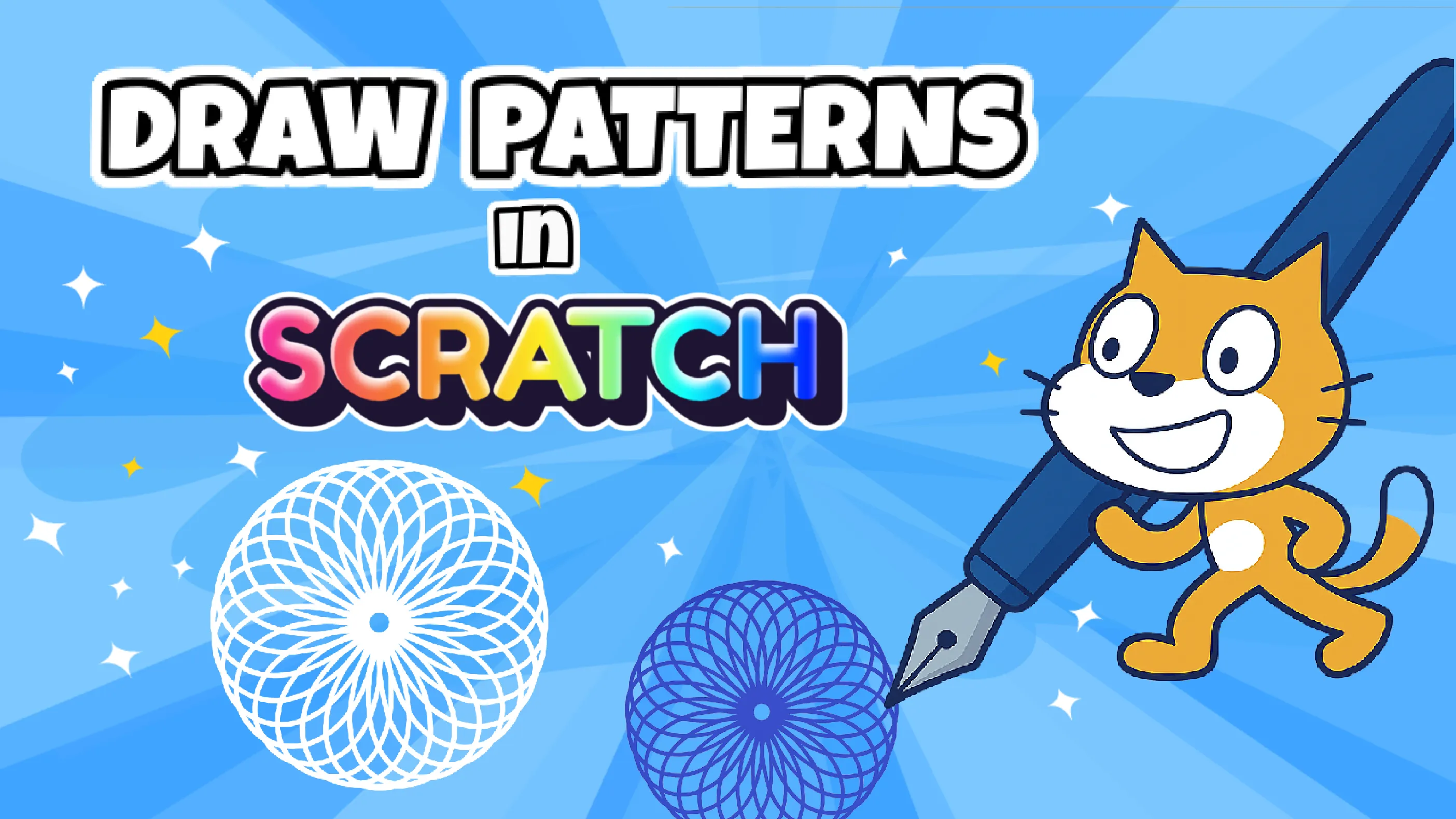
If you’ve tried Scratch before, you’re probably familiar with using simple blocks and the Pen extension to draw basic lines and you might already know how to create polygons like triangles or squares by repeating movement and turn blocks.
If you haven’t used the Pen extension yet, I recommend reading my blog post about drawing shapes in Scratch first. That will give you the foundation you need. For this tutorial, we’ll assume you’re comfortable with the basics.
Now, we’re going a step further.
Instead of drawing a single shape, we’ll challenge ourselves to think more like programmers: How can we use code to generate a more complex design and create patterns automatically? How can we control repetition, spacing, and color to build something visually interesting? In this project, we’ll explore exactly that by using the same small set of blocks as your interactive pattern-drawing tool. It’s a great way to combine coding, math, and creativity, even if you’re new to Scratch.
What You Need to Get Started
It’s simple to begin. You need:
- The Pen Extension (click the purple Extensions button at the bottom-left of the editor)
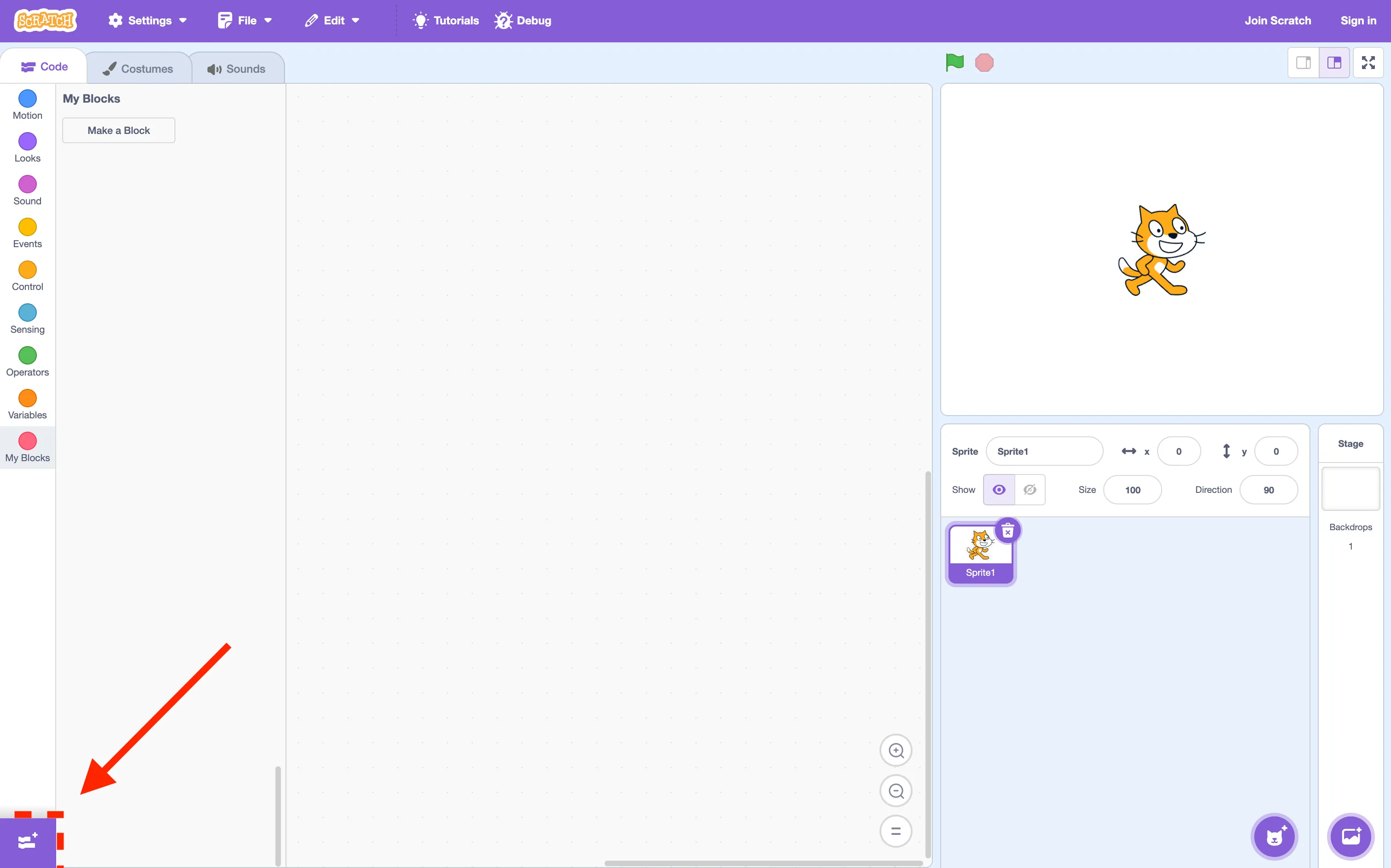
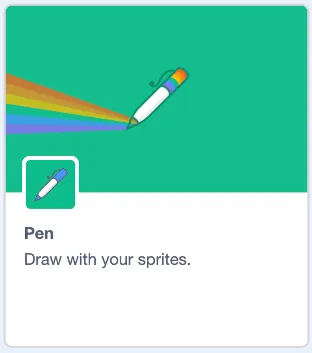
and add the Pen extension.
- A basic understanding of blocks like move, turn, repeat, and variables
- An interest in experimenting with shapes and code
You can also follow along with the video tutorial to see how it all comes together.
How Math is Neccesary for Programming
Before dragging any block, it helps to understand what drawing an equilateral shapes means. Every equilateral polygon (like a triangle, square, or hexagon) is made by repeating two things: drawing a line and a turn. The turn is based on a simple rule:
360 divided by the number of sides = the angle to turn after each side.
Using this formula as the foundation for the code allows drawing any equilateral polygon. Repeating the shape around a circle generates complex patterns.
Want to read more details? Take a look at the blog blow: 
Key Concepts and how they work
As you build the project, you’ll use several Scratch concepts that are great to understand:
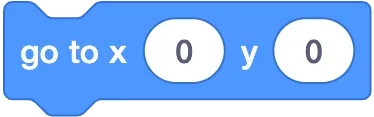
- Center the Pattern: Always reset the sprite’s position before drawing. A quick go to x: 0 y: 0 keeps the pattern in the center
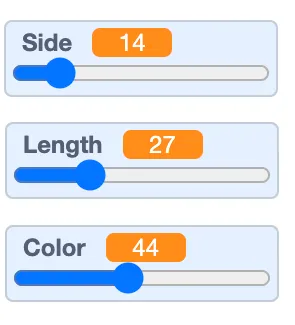
- Variables and Sliders: Sliders let you adjust sides, length, color, and repetition, without editing the code, you can even add limits.
- Nested Repeat Loops: One loop draws the shape, another repeats it in a pattern.
- Custom Blocks: Keeps the code organized and easier to manage.
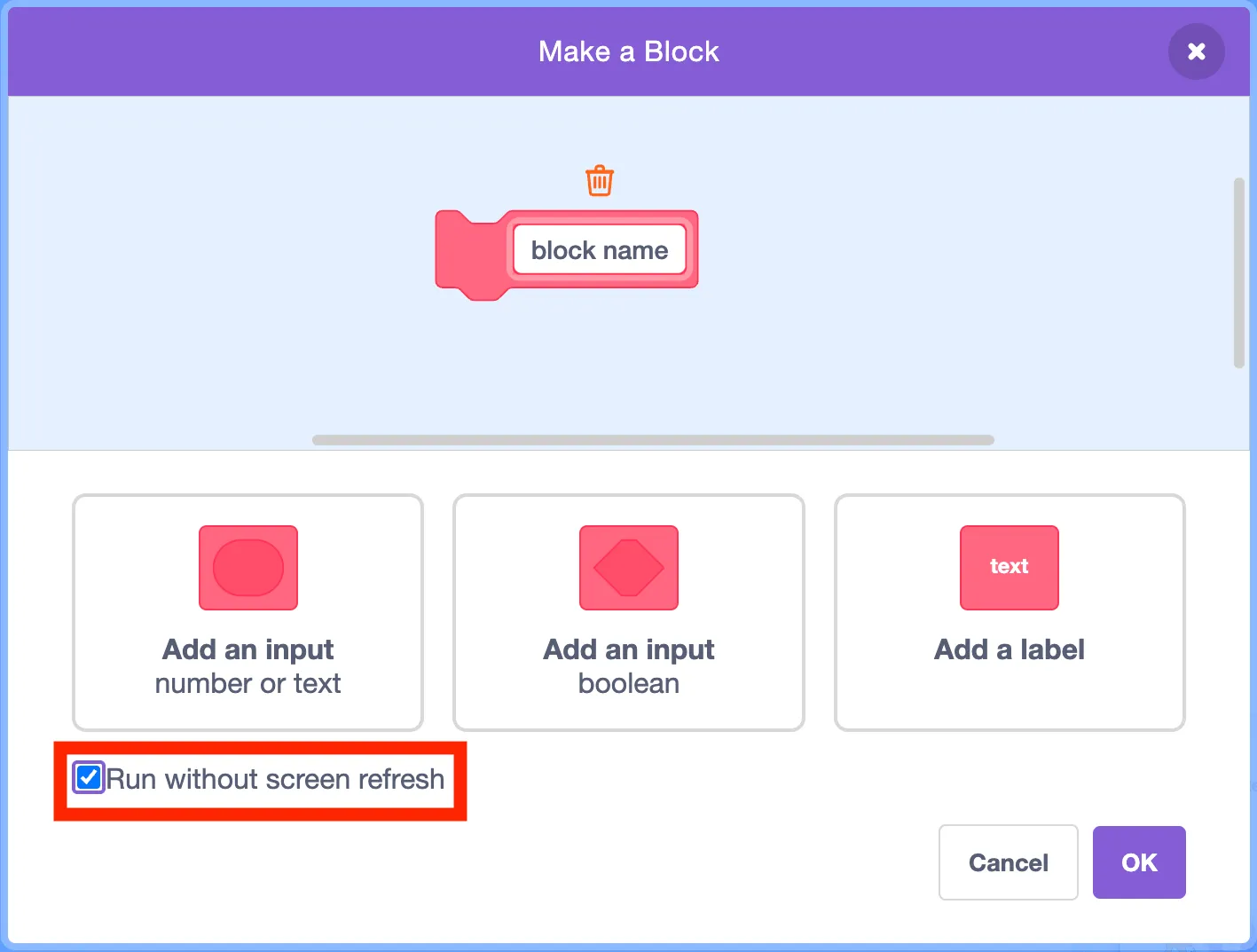
- Run without screen refresh: ensures the custom block happens instantly
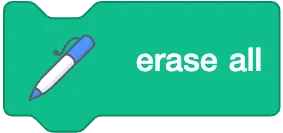
- Erase all: Clears the screen from pen
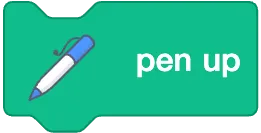
- Pen up: stops pen from drawing anything, until pen down is used again.
How the Code Works
- Draw a single polygon in Scratch using repeat based on the variables “sides” and “length” values
- Repeat that shape around a circle to form a radial pattern
- Use custom block (e.g., DrawPattern)
A Simple Project with Great Learning Potential
This is the kind of project that shows Scratch is more than just a coding tool. It’s a great fit for:
- Introducing geometry in a visual and engaging way
- Showing how math can be applied in coding
- Encouraging exploration through sliders and experimentation
- Helping students understand concepts like loops, angles, and modular thinking
Finished This Tutorial?
Great job! In the next post, How to correctly use the forever loop:  you’ll learn how to optimize the forever loop to avoid unnecessary redrawing while keeping the project interactive and smooth.
Join my YouTube channel for more Scratch tutorials that make programming fun and easy to follow.
TheSTEAMist